How wholesalers can automate workflows
Automation is no longer a luxury for wholesalers – it’s the surest route to fewer errors, lower costs and faster growth.

With 50 years' experience in the wholesale and distributor sector, we have put together a 14-page guide on the key facts about ERP. Download yours for free.





As retail becomes increasingly digital, successful wholesale and distribution businesses rely on eCommerce to reach new customers and streamline order fulfilment. But behind every smooth online shopping experience is a need for accurate data and real-time operations– and that’s where Enterprise Resource Planning (ERP) software comes in.
Integrating your eCommerce platform with an ERP system will mean that everything from stock levels and order statuses to customer details and pricing is synchronised. Without it, you face the time-consuming headache of manual data entry, processing delays and frustrated customers due to inaccuracies and errors.
In this guide, we’ll walk you through the benefits of connecting your eCommerce site to ERP software, key considerations before you begin, and how to guarantee a successful, stress-free integration.
When your eCommerce platform operates in isolation from the rest of your business systems, inefficiencies quickly appear.
Orders may not reflect current stock levels, shipping times can be delayed and customer service teams lack visibility into order progress. Manual workarounds like spreadsheets and double-entry not only eat up time, but also introduce the risk of human error.
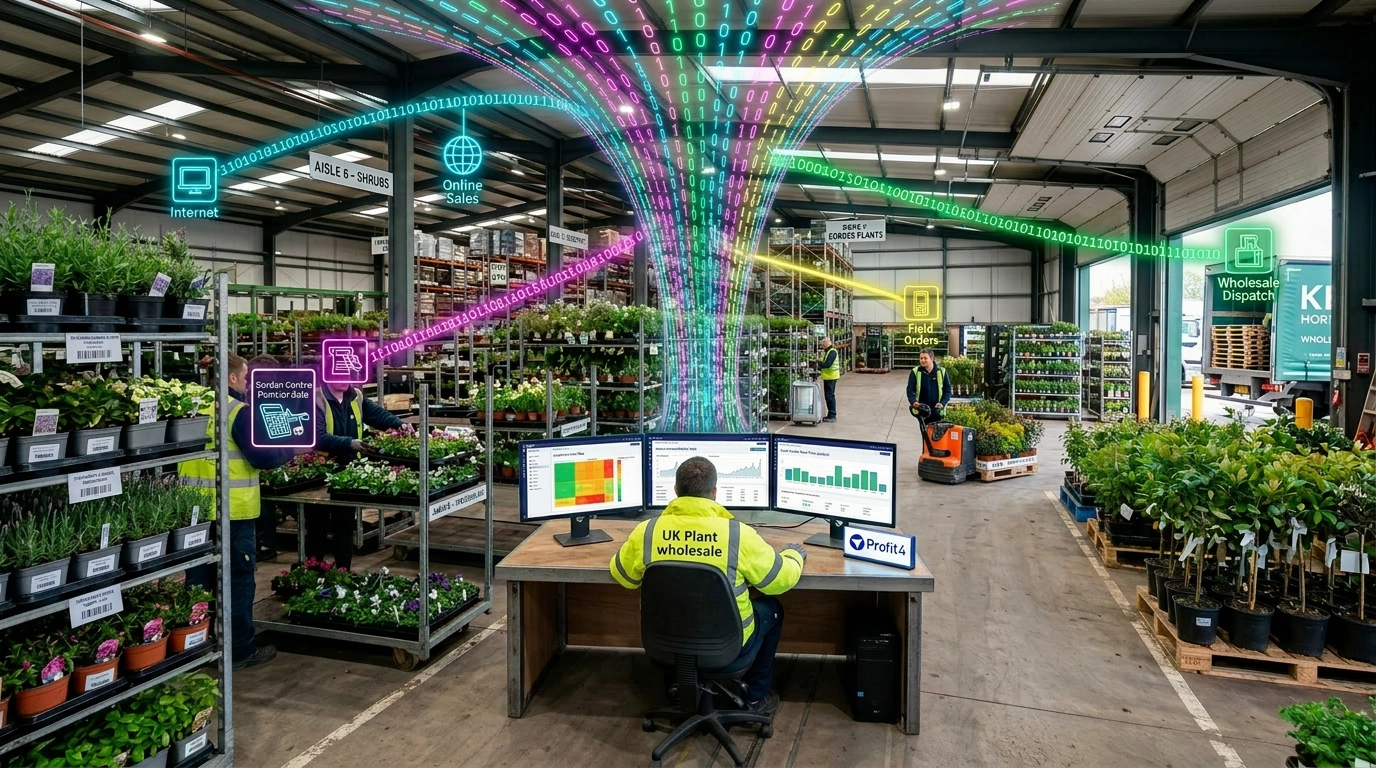
However, there’s an easy way to avoid these problems – by connecting your eCommerce site to ERP software. By doing so, you’ll create a centralised hub that manages your entire business operation – from inventory, purchasing and warehousing to invoicing, customer accounts and sales reporting.
This integration eliminates the blind spots between teams, improves visibility and supports faster, more accurate order fulfilment.
In short, it turns your online store from a standalone sales channel into a fully embedded part of your business infrastructure.
Not all ERP systems are created equal – particularly when it comes to eCommerce integration. Some may offer built-in modules that connect directly with platforms like Shopify, WooCommerce or Magneto. Others may require third-party connectors or custom APIs to sync effectively.
However, when selecting an ERP solution, remember to choose one that is designed with wholesalers and distributors in mind. Not only doesProfit4 support seamless integration with major eCommerce platforms as well as OGL’s own eCommerce solution, eShop, it goes a step further by connecting with industry-specific tools like LUCKINSlive.
This tool allows you to access live product, pricing and technical data directly within your ERP – particularly valuable if you rely on up-to-date manufacturer and supplier data.
Scalability is essential too. As your online sales grow,Profit4 is designed to handle increased order volumes without compromising performance, helping you avoid costly upgrades and maintain efficiency as your business expands.
Connecting your ERP software with your eCommerce platform isa significant project, but with careful planning it doesn’t need to be disruptive.
Start by mapping your current processes. Identify how orders are currently handled, where the bottlenecks lie and what manual steps could be replaced. You’ll also want to gather input from teams across the business – warehouse, finance, customer service and sales – to make sure the integration meet everyone’s needs.
Next, outline the data that needs to flow between systems. This could include product details, pricing, stock levels, order information, shipping updates and customer account data. Consider whether you need two-way syncing or just a one-way feed from your ERP to your website.
Timing is important too. Some businesses choose to roll out their integration in phases – starting with inventory syncing, then moving onto order processing and customer data. This can help reduce risk and minimise disruption.
Finally, test rigorously. Run real-world scenarios and make sure orders flow through the system correctly. Check that inventory updates reflect quickly on your website, and confirm that customers are receiving the right confirmations and updates.